 Knowledge Center
Troubleshooting Guide
Why Is the Label Slitting Edge Not Clean?
A rough, uneven or dusty slitting edge is usually not caused by one setting alone. Check blade condition, upper and lower blade contact, adhesive behavior, web guiding, tension control and rewinding quality together.
Quick Answer
If the label slitting edge is not clean, common causes include worn blades, unsuitable blade type, incorrect blade pressure, adhesive build-up, unstable web tension, material movement before the slitting station or running too fast for the material. Start by checking the blade and web path before changing many settings at once.
Common Symptoms
- Rough, fuzzy or dusty roll edge
- Labels are not fully cut through the web
- Adhesive or paper dust collects near the blade
- Finished roll edge is uneven after rewinding
- Edge quality becomes worse after running for some time
Where This Problem Usually Happens
This issue is common in label slitting machines, inspection slitter rewinders, digital label finishing machines and roll-to-roll label converting lines. It can appear when converting self-adhesive paper labels, sticker rolls, barcode labels and film label materials.
Possible Causes
- Blade is worn, damaged or not suitable for the material
- Upper and lower circular blades do not contact correctly
- Blade pressure is too high or too low
- Adhesive builds up on the blade during running
- Web guiding is unstable before the slitting station
- Tension changes between unwinding, slitting and rewinding
- Production speed is too high for the current material and blade condition
What to Check First
- Material type, thickness, liner strength and adhesive behavior
- Blade condition, blade edge and blade cleanliness
- Upper and lower blade overlap, pressure and alignment
- Whether material moves sideways before slitting
- Unwinding and rewinding tension settings
- Finished roll edge, roll hardness and rewinding stability
- Whether the issue appears at start-up or only after longer running
Machine Areas to Check
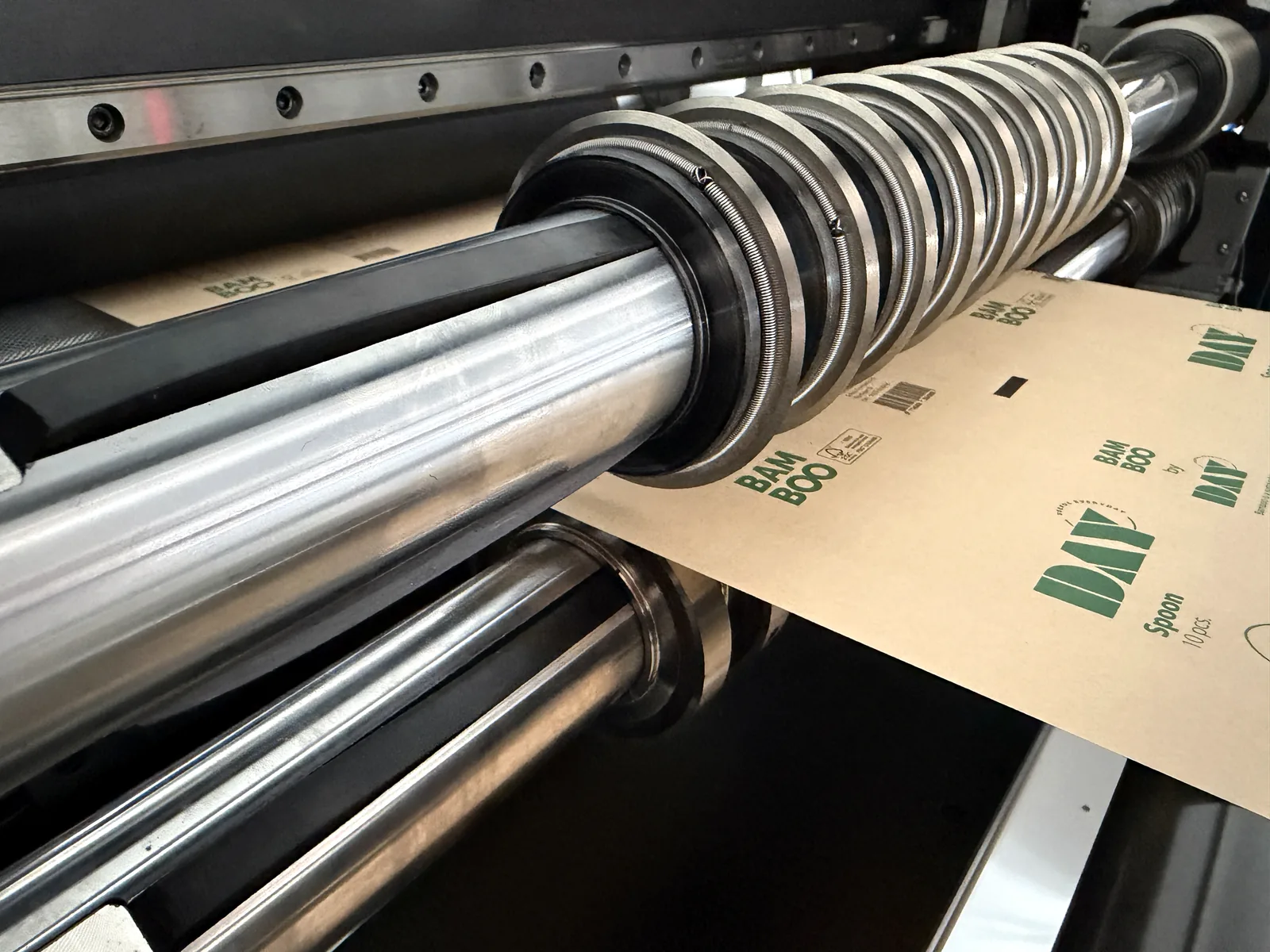
The following real machine photos show the rewinding structure, finished roll edge condition and upper / lower slitting blade area. They are support references for troubleshooting, not close-up photos of a defective edge.
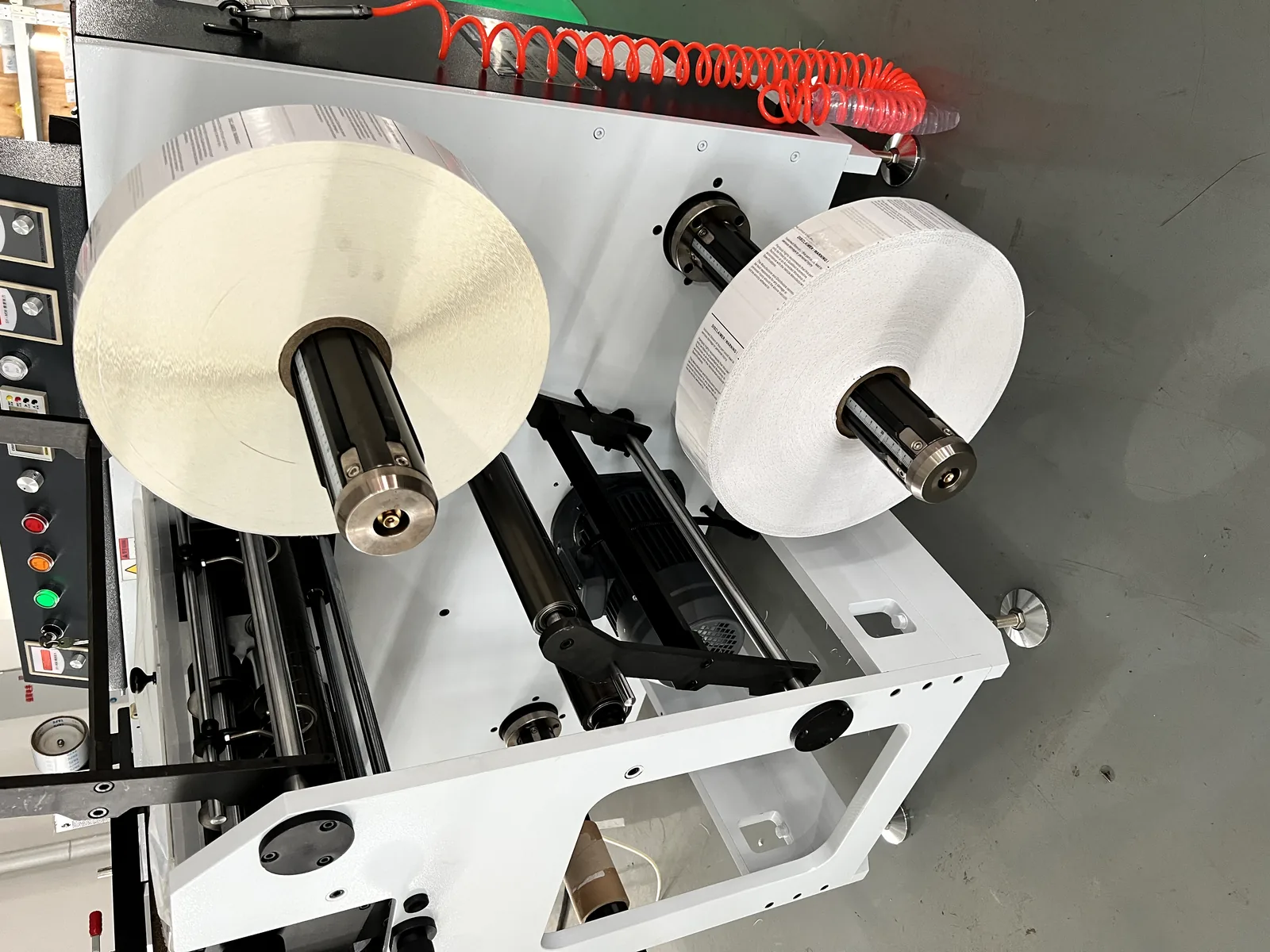
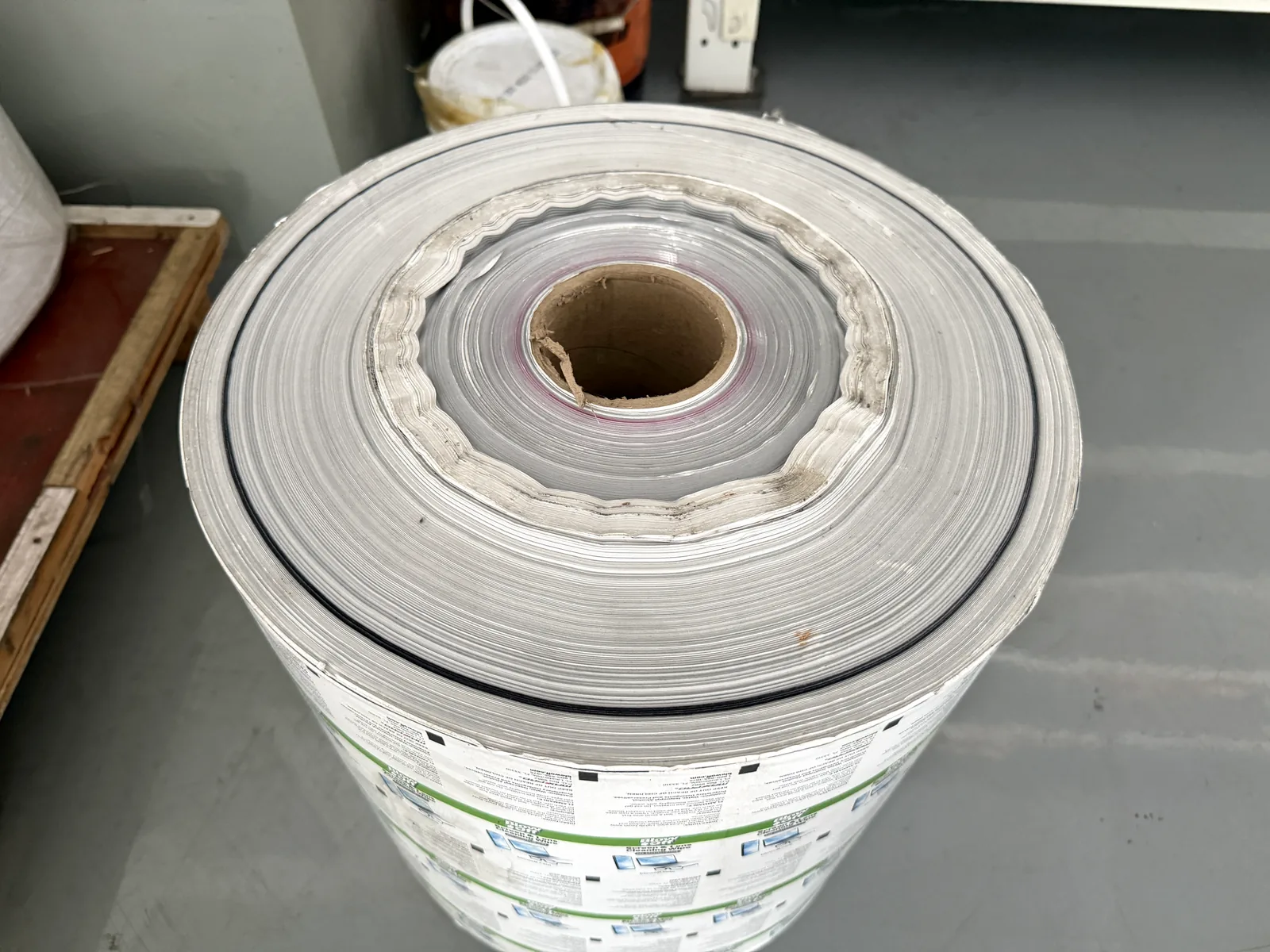
Additional close-up photos of rough slitting edges and adhesive build-up can help engineers diagnose the problem more accurately.
Practical Solutions
Clean or replace the blade
If dust or adhesive is visible, clean the blade and run a short test. If the edge improves but becomes rough again, check adhesive behavior, blade type and pressure.
Adjust upper and lower blade contact
For circular blade slitting, the upper and lower blade relationship affects edge quality. Avoid using excessive pressure to solve a blade or material problem.
Stabilize web guiding before slitting
If the web moves before the blade, the cut line may not remain stable. Check sensor position, material edge condition, roller cleanliness and unwinding alignment.
Check rewinding tension and roll quality
Poor rewinding can make an edge problem look worse at the finished roll. Confirm taper tension, core fit, roll diameter and upper / lower rewinding shaft settings.
When to Contact an Engineer
Contact an engineer if the edge is still rough after checking blade condition, blade contact, web guiding and tension, or if the same material produces different results at different speeds. Send close-up photos of the edge, the blade area and the finished roll, plus a short running video if available.
Troubleshooting Checklist
- Material type and adhesive behavior confirmed
- Maximum web width and finished roll width recorded
- Blade type and blade condition checked
- Upper and lower blade contact checked
- Web guiding sensor and material alignment checked
- Unwinding and rewinding tension checked
- Finished roll edge photographed
- Running speed and problem timing recorded
Related Machines
This troubleshooting topic is most relevant to inspection slitter rewinders, label slitting rewinding machines and digital label finishing machines with slitting and rewinding sections.
Inspection Slitter Rewinder
Use this machine to inspect, slit and rewind printed label rolls into finished rolls for delivery.
inspection slitter rewinderLabel Slitting Machine Selection
Before choosing a slitting machine, compare material, web width, blade type, tension control and finished roll quality.
how to choose a label slitting machineMachine Running Videos
Watch label slitting and rewinding videos to understand web guiding, blade structure and finished roll collection.
watch label machine videosSend Slitting Problem Details
Need help matching a machine to your label job?
Send your material type, web width, finished roll width, roll diameter, blade type, current speed, rough edge photos and a short running video. MWELLPACK can help check whether the problem is related to blade selection, tension control, web guiding, material behavior or machine configuration.