 Knowledge Center
Technical Sharing
Label Color Variation Problems
Color variation comes from ink density, anilox wear, plate pressure and batch changes, and shows up both within a roll and between runs.
Quick Answer
Color variation means the printed color drifts, either along one roll or between two runs of the same job. It is usually caused by changing ink density, a worn or plugged anilox roller, plate pressure that changes, or a new ink or substrate batch. Fix it by stabilizing ink density and checking the anilox and plate first.
Material Analysis
- Ink batch: a new ink batch can differ slightly in pigment and viscosity.
- Substrate batch: paper or film from a new batch can shift color acceptance.
- Ink viscosity: viscosity change alters film thickness and color strength.
Root-Cause Principle
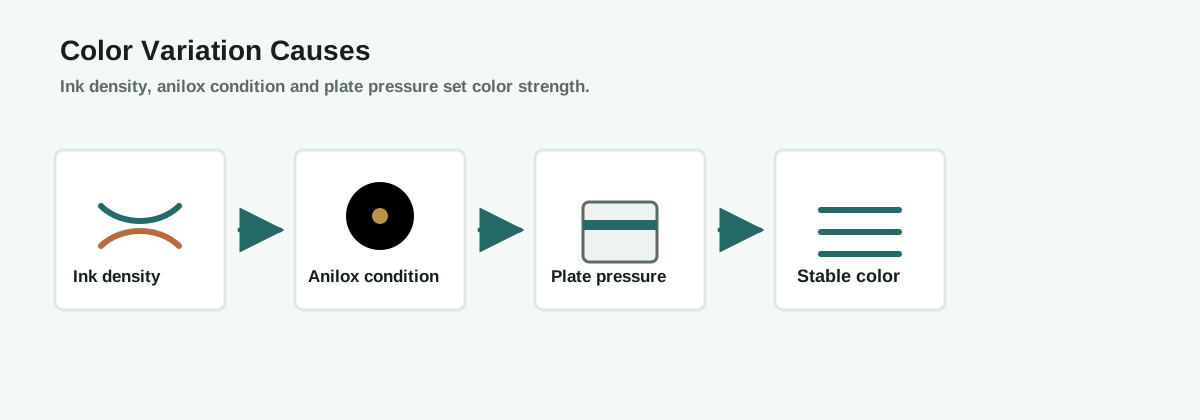
Color strength is set by how much ink transfers to the substrate, which depends on ink density, anilox cell volume and plate pressure. If the ink is diluted or dries during a run, or the anilox plugs or wears, the transferred ink film changes and the color drifts. Between runs, a new ink or substrate batch can shift the color even with the same settings.
Solutions
Color Variation Mechanism
Prevention Checklist
- Monitor ink viscosity during the run
- Clean and inspect the anilox regularly
- Record plate pressure per job
- Compare every batch to a color standard
FAQ
Why does color drift during a run?
Ink viscosity changes as it dries or is topped up, and an anilox that plugs or wears changes the ink film transferred.
Why does the same job print differently next run?
A new ink or substrate batch, or an anilox that has worn since the last run, can shift the color.
Does plate pressure affect color?
Yes. Higher plate pressure transfers more ink and darker color, so pressure must stay consistent.
How do I keep color consistent?
Stabilize ink density, keep the anilox clean, record plate pressure and compare every batch to a measured standard.
What information should I send before asking for help?
Send the ink type, substrate, anilox spec, plate pressure and whether the drift is within a roll or between runs.
Ask an Engineer
Still getting color variation on your labels?
Send us your ink type, substrate and anilox spec. MWELLPACK can help you hold color consistency.
Related Articles
Related Machines
Flexo Printing Machine
Prints labels where ink density and anilox condition control color.
View machine guideInkjet Machine for Labels
Digital printing where color management keeps output consistent.
View machine guideInspection Slitter Rewinder
Checks printed rolls where color defects are caught before delivery.
View machine guide